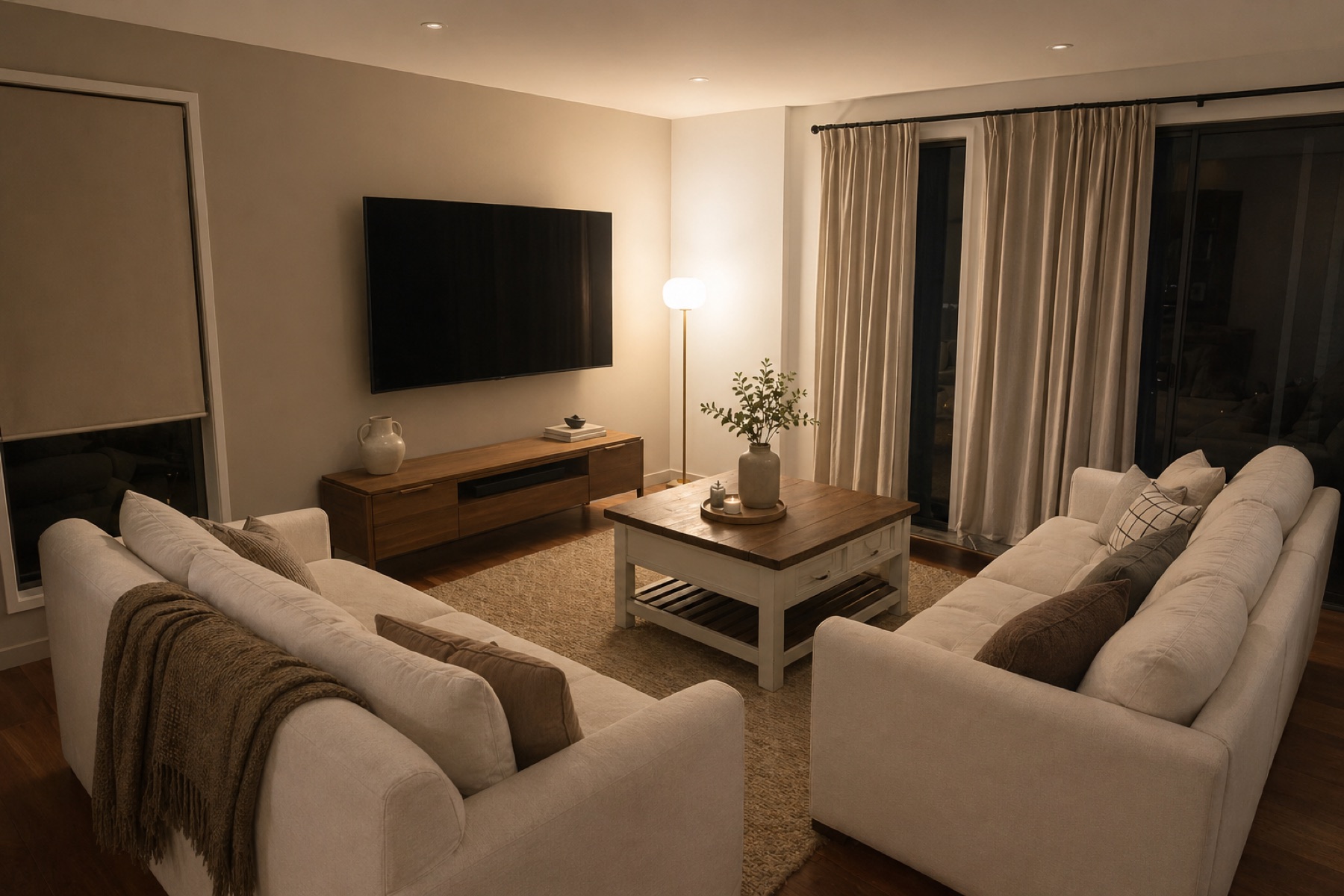
 Before
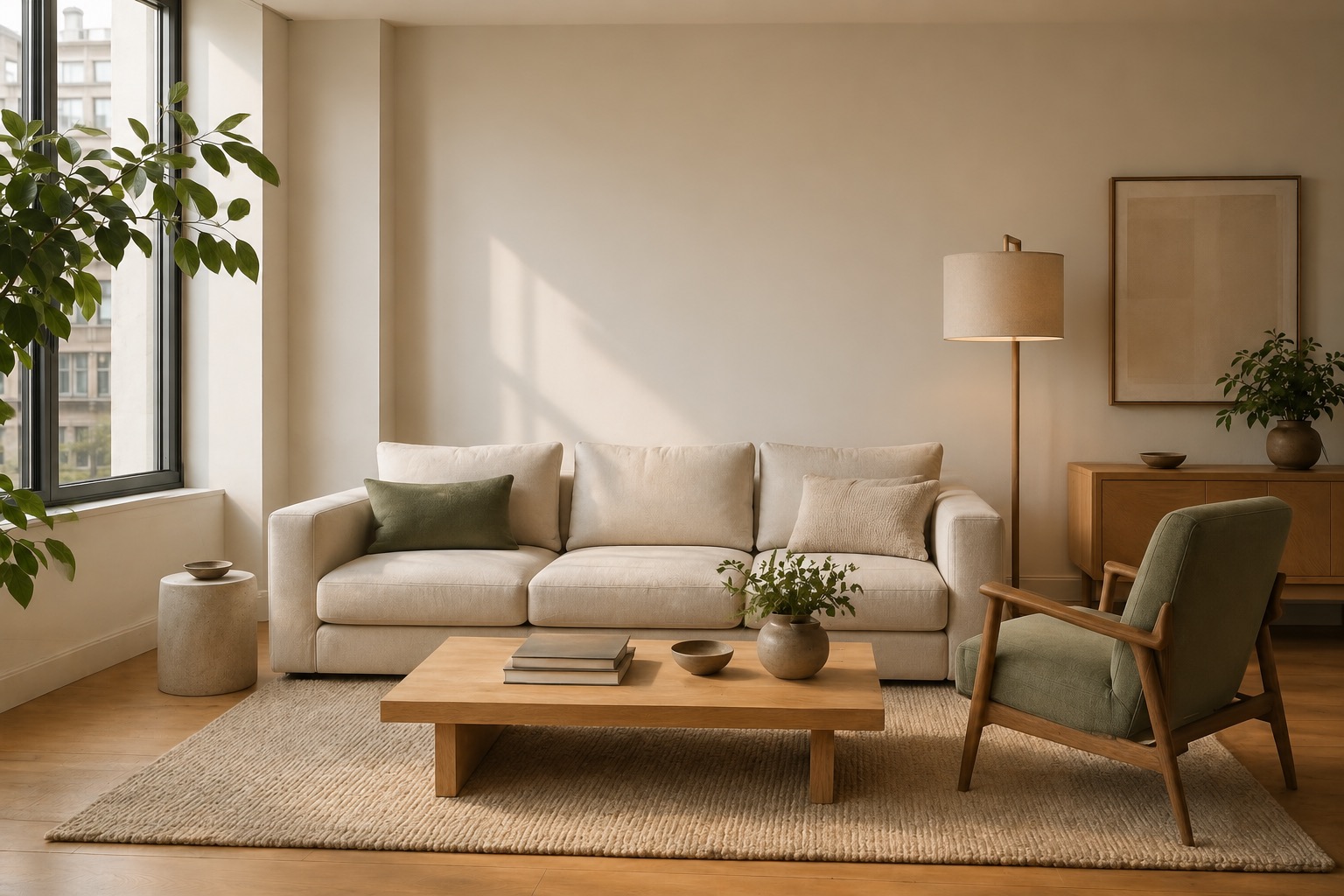 After
AfterAI room redesigns from your photo, with every piece still editable.
How it works
Start from a real room image, compare AI furniture directions, and keep catalog-backed pieces editable before you move forward.
Upload a room photo.
Start with the room you have, not a blank moodboard.
Choose a direction.
Compare a few furniture-led directions that fit the photo.
Render and refine.
Swap pieces, adjust the brief, and keep editing before you commit.
Swap furniture before you commit.
Catalog pieces stay editable after the image is made. Toggle directions, review the marked furniture, and keep the pieces attached to the room.
Example rooms
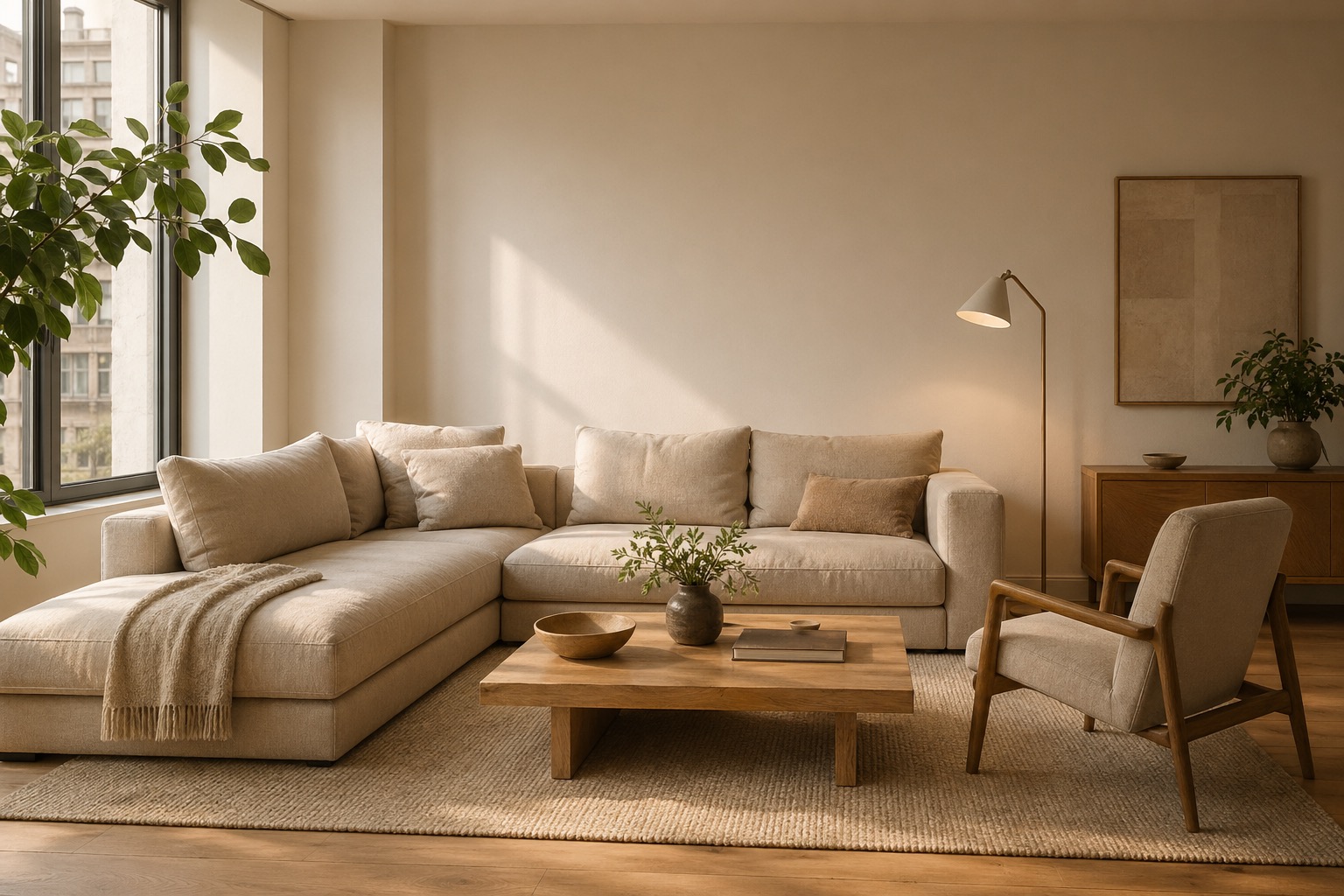
Two sample outputs showing the kind of room depth and furniture clarity roomy.design is built to preserve.
Living room with editable seating
Linen sofa, oak table, wool rug
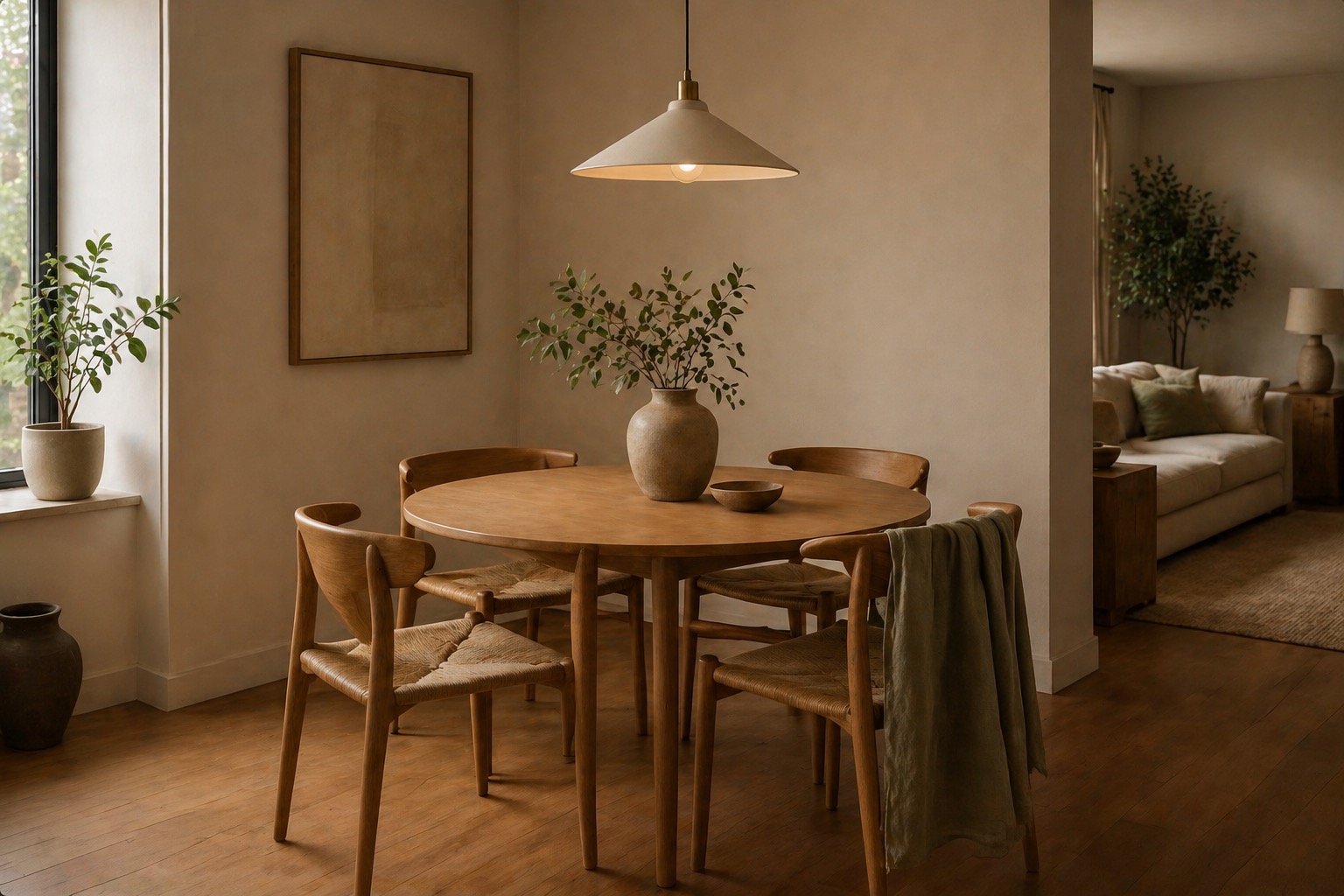
Dining corner with catalog pieces
Round table, chairs, pendant, plants
What people ask.
Answers for turning one room photo into an editable furniture direction.
Q.01Will the rendered room actually look like my room?
Q.02Can I keep the pieces I already own?
Q.03Where does the furniture come from?
From photo to room
Start with one room photo.
Create a project, add the room, and use the editor to compare furniture directions before you move forward.